IconSync: App Icon Generator
App Icon Resizer & Generator for Xcode & Android.
Developer Tool
macOS 14.6+


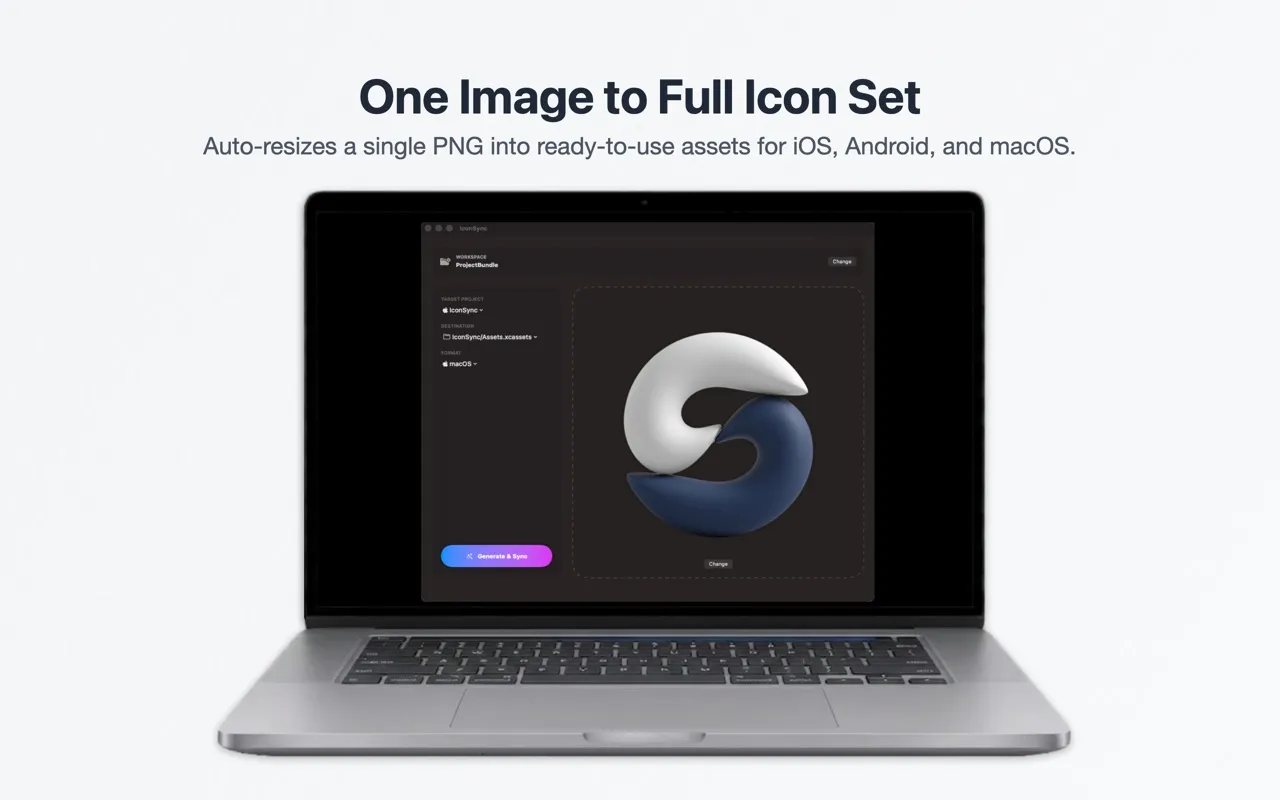
App Icon Resizer & Generator for Xcode & Android.
Writes directly to your project's folders: creates AppIcon.appiconset with JSON for iOS/Xcode, or populates mipmap folders for Android automatically.
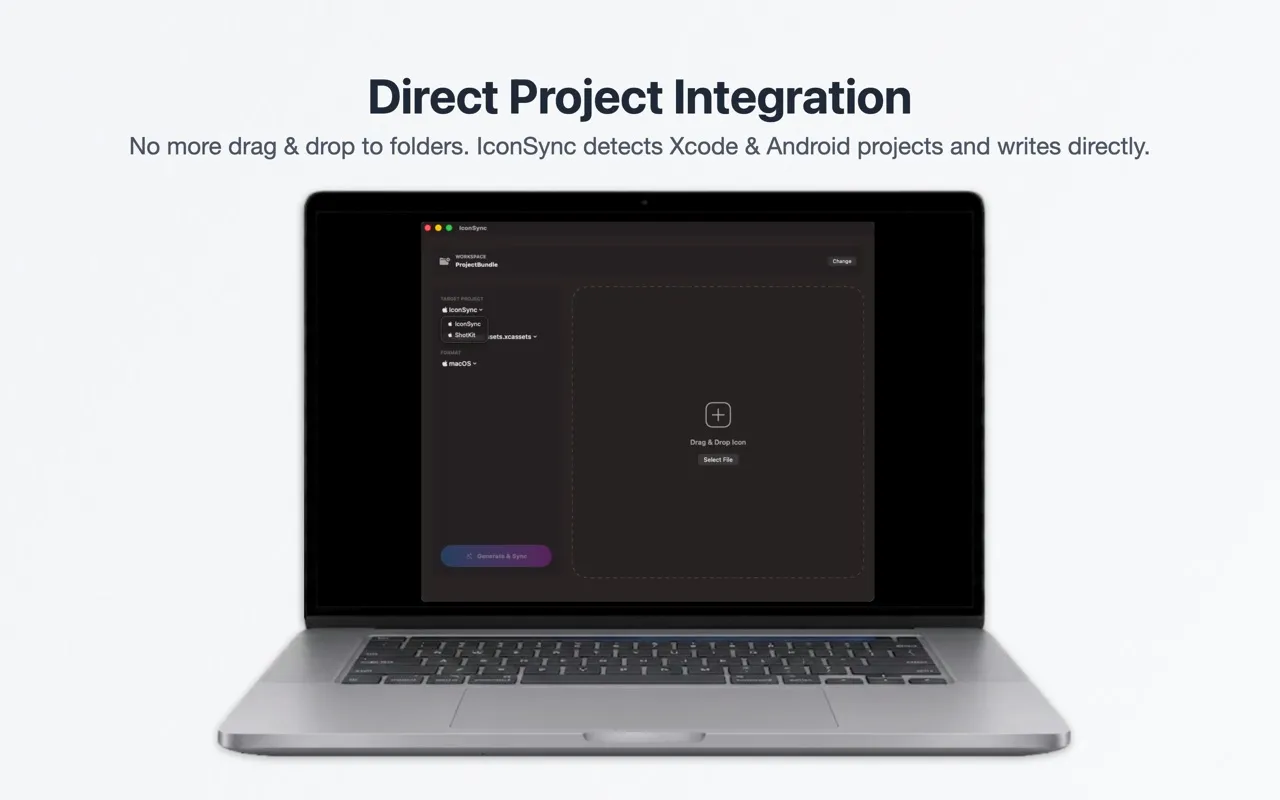
Point once to your development directory. It automatically scans and lists all your Xcode and Android targets in a sleek menu target list.
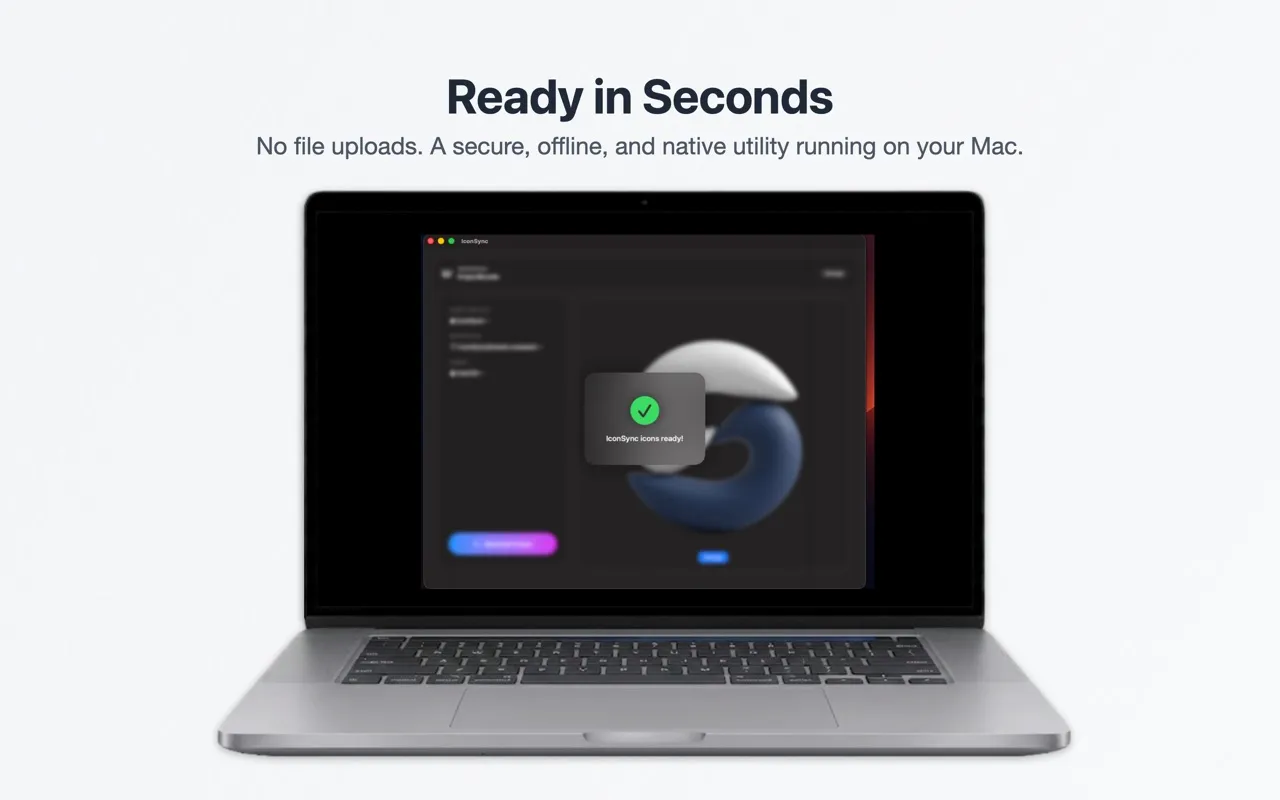
Uses advanced downscaling algorithms to ensure your app icons look crisp and clean on every single device size.
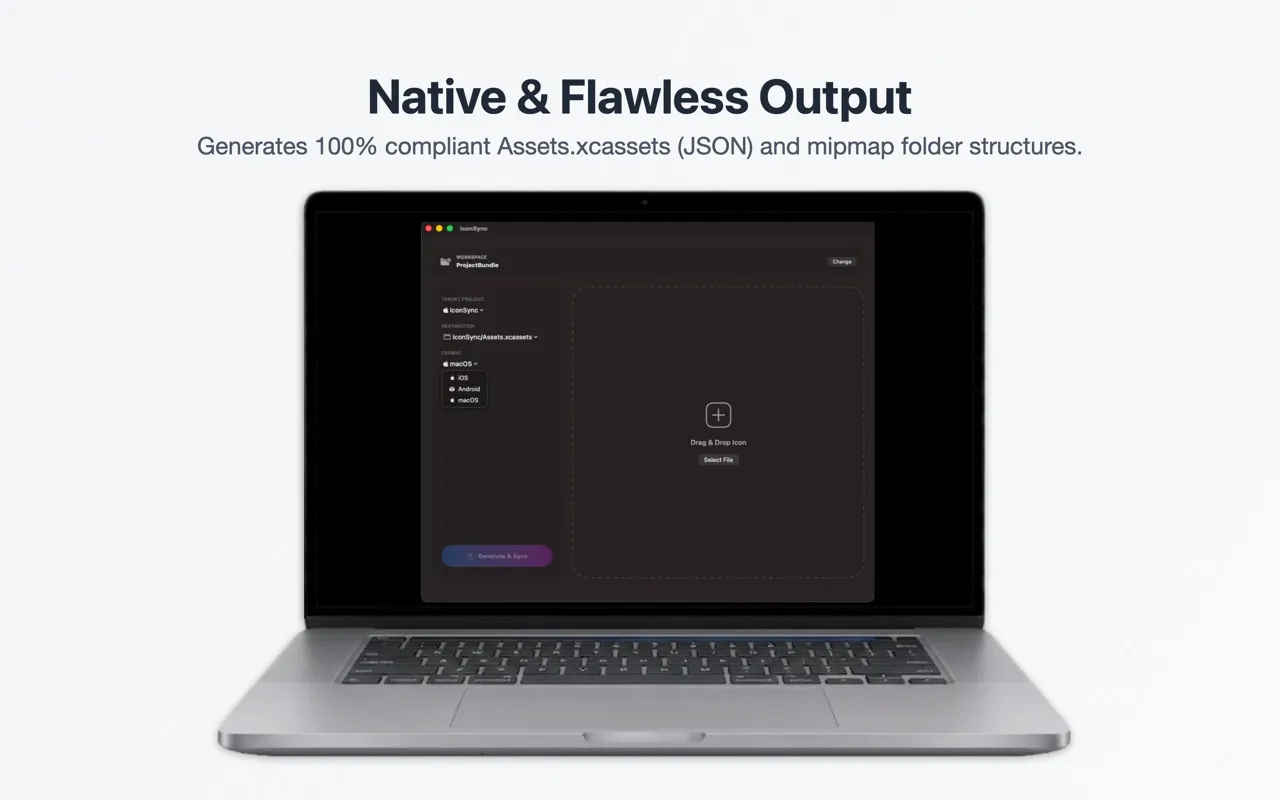
A closer look at the app.
Initial release of IconSync, the ultimate developer tool to automate your app icon scaling and sync pipeline directly into Xcode or Android Studio.
Built natively for macOS 14.6+ with fluid animations and 100% offline security.
Simply drop your 1024x1024 master artwork file to scale and export.
Free, with no in-app purchases, no subscription, no ads and no tracking.
Advanced resizing algorithms keeping your assets crisp on all platforms.
IconSync turns one 1024×1024 image into every app icon size for iOS, macOS and Android and writes them straight into your Xcode asset catalog or Android res folder, including the Contents.json file Xcode needs.
For iOS: every iPhone and iPad size from 20 pt to 83.5 pt at @1x, @2x and @3x, plus the 1024×1024 App Store icon. For macOS: 16 to 512 pt at @1x and @2x. For Android: the five mipmap densities from mdpi (48 px) to xxxhdpi (192 px). The full list is in the app icon sizes guide.
Yes. IconSync is free on the Mac App Store, with no in-app purchases, subscriptions or ads.
No. All resizing happens on your Mac.
macOS 14.6 or later.
Other apps I have built.

Jump from a plane and fall all the way to space. Real freefall physics, dodge everything, unlock heroes.
A safe Mac cleaner: finds junk, app leftovers and duplicates, removes apps completely, and lets you undo every cleanup.
Crack a code of all-different digits — alone, or against someone else. Duels work even when your friend is asleep.
Crack secret codes by pure logic, then duel another operator in real time, build a mining empire, and raid rival syndicates.

The most fun way to speed up your mind, strengthen your reflexes, and push your math skills to the limit!